How to calculate your exact age from your date of birth
Updated September 7, 2026 · My Birthday Almanac
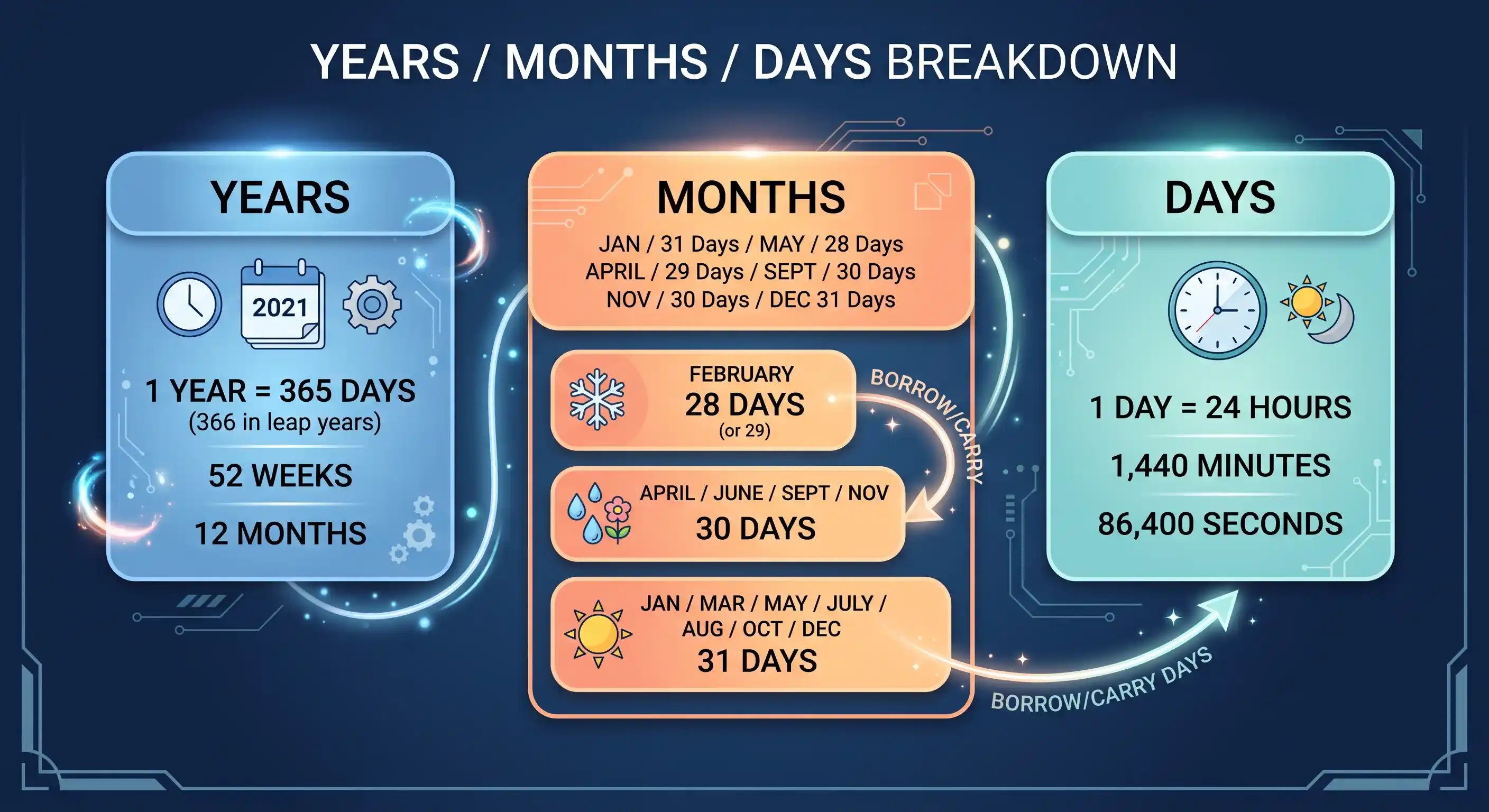
Your exact age is usually written as years, months and days — for example “34 years, 2 months and 9 days.” It looks simple, but doing it correctly means handling months of different lengths and leap years. Here is the reliable method with two worked examples, a spreadsheet shortcut, the common mistakes, and the edge cases that trip people up.
The years, months and days method
Compare today's date with your birth date one piece at a time, and “borrow” where a piece comes out negative — exactly like subtracting numbers with carrying:
- Days: today's day-of-month minus your birth day-of-month. If that is negative, borrow one month — add the number of days in the previous month and reduce the month count by one.
- Months: today's month minus your birth month (after any day-borrow). If that is negative, borrow one year — add 12 and reduce the year count by one.
- Years: today's year minus your birth year (after any month-borrow). That is your age in whole years.
Two worked examples
No borrowing. Born 14 May 1998, today 7 September 2026. Days: 7 − 14 = −7, so borrow August's 31 days: 7 + 31 − 14 = 24 days, and months become 9 − 1 − 5 = 3. Years: 2026 − 1998 = 28. Result: 28 years, 3 months and 24 days.
Borrowing across the year. Born 20 November 1990, today 5 March 2026. Days: 5 − 20 = −15, borrow February's 28 days (2026 is not a leap year): 5 + 28 − 20 = 13 days, months become 3 − 1 − 11 = −9, so borrow a year: −9 + 12 = 3 months, years become 2026 − 1 − 1990 = 35. Result: 35 years, 3 months and 13 days.
The spreadsheet shortcut
In Excel or Google Sheets you can get the same three numbers with the DATEDIF function: =DATEDIF(birthdate, TODAY(), "Y") for years, "YM" for the leftover months and "MD" for the leftover days. It uses the same borrow logic under the hood.
Why leap years rarely trip up this method
Because the borrow uses the actual length of the previous month, February's 28 or 29 days is handled automatically. This is why the years-months-days method is more accurate than shortcuts that assume every month is 30 days, and why it beats dividing a raw day count by 365.
Two common mistakes
- Just subtracting the years. 2026 − 1998 = 28 is only your age if your birthday has already passed this year. Before it, you are still 27. Always check the month and day.
- Dividing total days by 365. This ignores leap days and drifts by a day for every four years or so — fine for a rough figure, wrong for an exact one.
Edge cases worth knowing
- Leap-day birthdays (29 February). In common years there is no 29 February, so a “leapling” typically counts their birthday as 28 February or 1 March for age-crossing purposes. Their true birth date only recurs every four years.
- Age on a past or future date. The same method works for any reference date — just use that date instead of today. Handy for working out how old you were at an event, or how old you will be on a future one.
- Different cultures count differently. The traditional East Asian age system counted a newborn as 1 and added a year at New Year, so it could read one or two years higher than your Western age — though South Korea officially moved to the international system in 2023.
Let a calculator do the borrowing
The age calculator runs exactly this algorithm against your device's live clock, so it always shows the correct years, months and days — and, if you want the bigger picture, your age in days, hours, minutes and seconds as well.